New Tab Plus ავტორი Andy Bajka
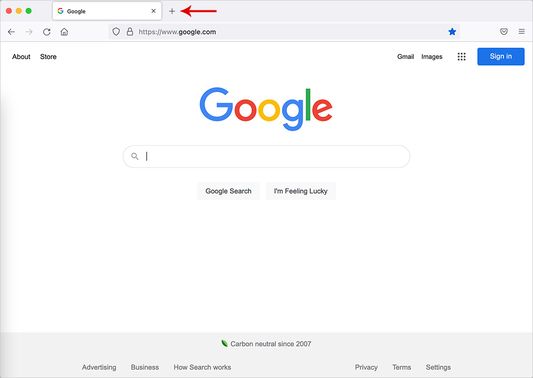
New Tab Plus allows you to specify which website opens when you open a new tab.
16 მომხმარებელი16 მომხმარებელი
გაფართოების მონაცემები
ეკრანის სურათები
გაფართოების შესახებ
Description:
New Tab Plus allows you to specify which website opens when you open a new tab.
Setup:
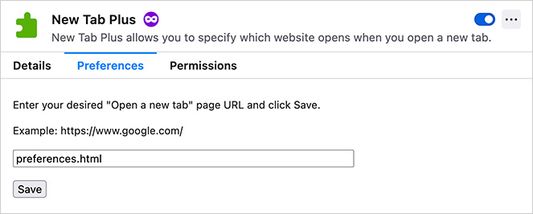
Please go to the following page to set the New Tab Plus preferences.
Tools -> Addons and Themes -> Extensions -> New Tab Plus -> Preferences
Questions and answers:
Q: When a new tab is opened, will the cursor be focused on the website?
A: Yes.
New Tab Plus allows you to specify which website opens when you open a new tab.
Setup:
Please go to the following page to set the New Tab Plus preferences.
Tools -> Addons and Themes -> Extensions -> New Tab Plus -> Preferences
Questions and answers:
Q: When a new tab is opened, will the cursor be focused on the website?
A: Yes.
5 შეფასება 1 მიმომხილველისგან
ნებართვები და მონაცემები
დამატებითი მონაცემები
- ვერსია
- 1.3
- ზომა
- 10,48 კბ
- ბოლო განახლება
- 3 წლის წინ (29 ივლ 2022)
- მსგავსი კატეგორიები
- ლიცენზია
- Mozilla Public License 2.0
- ვერსიის ისტორია
- კრებულში დამატება