Y2Matecom 作成者: Developer
Convert and download your favorite YouTube videos to MP3, MP4 with a single click!
28 人のユーザー28 人のユーザー
拡張機能メタデータ
スクリーンショット
この拡張機能について
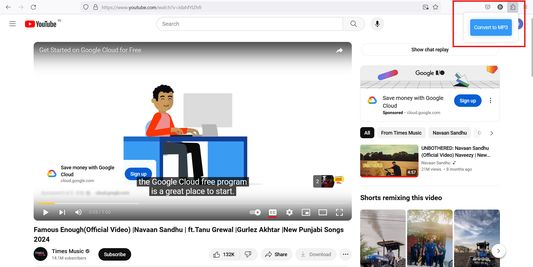
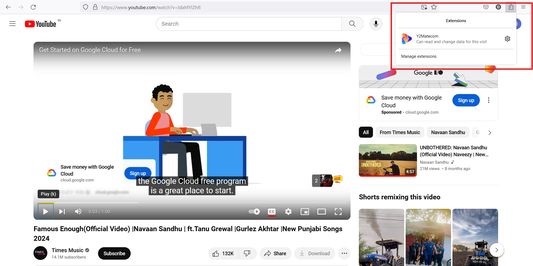
After the installation of Y2matecom Add-On you will find a new icon in your browser toolbar. To use the Add-On follow our step by step guide:
1. Open youtube.com and play the video you would like to download.
2. Click on our icon and choose Convert to MP3.
3. You will be redirected to our website, and the conversion will start.
4. As soon as the conversion is finished you will be able to download the converted file.
That’s all!
1. Open youtube.com and play the video you would like to download.
2. Click on our icon and choose Convert to MP3.
3. You will be redirected to our website, and the conversion will start.
4. As soon as the conversion is finished you will be able to download the converted file.
That’s all!
0 人のレビュー担当者が 0 と評価しました
詳しい情報
- アドオンリンク
- バージョン
- 1.0
- サイズ
- 28.68 KB
- 最終更新日
- 2年前 (2024年5月18日)
- 関連カテゴリー
- バージョン履歴
- コレクションへ追加