
YouTube Audio Sync Tool 作者: Hirox
Fix YouTube audio sync problem by adjusting audio timing
170 个用户170 个用户
扩展元数据
屏幕截图
关于此扩展
Fix YouTube audio sync problems by adjusting audio timing in intervals of 0.1 seconds. It helps when watching videos that have out-of-sync audio, or when using wireless audio systems that have audio delay.
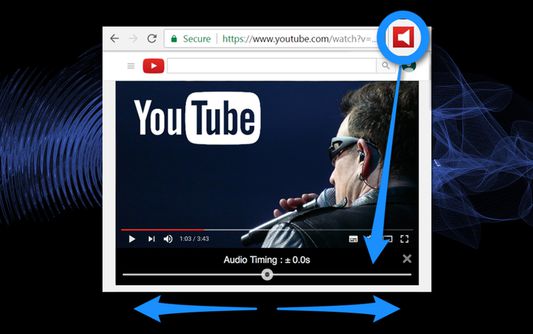
1. Audio timing adjustment slider appears under the video screen on your YouTube page with a click of the tool icon.
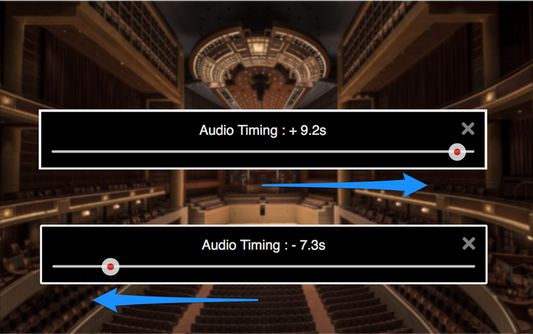
2. Adjust audio timing to sync audio and video by moving the slider.
- "YouTube" and the "YouTube logo" are registered trademarks of Google Inc.
- The images used in screenshots are provided under Creative Commons (CC0) license.
1. Audio timing adjustment slider appears under the video screen on your YouTube page with a click of the tool icon.
2. Adjust audio timing to sync audio and video by moving the slider.
- "YouTube" and the "YouTube logo" are registered trademarks of Google Inc.
- The images used in screenshots are provided under Creative Commons (CC0) license.
评分 1.6(1 位用户)
权限与数据
更多信息