
Ezproxy Switcher
To access academic papers on some sites, sometimes one is required to go through one's institute's ezproxy. Click the icon in the address bar to quickly switch between ezproxied URL and non-ezproxied URL.
13 位使用者
擴充套件後設資料
畫面擷圖
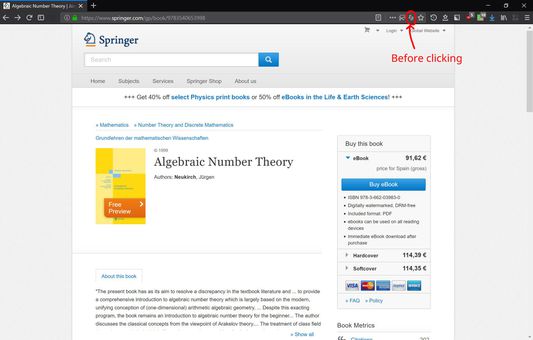
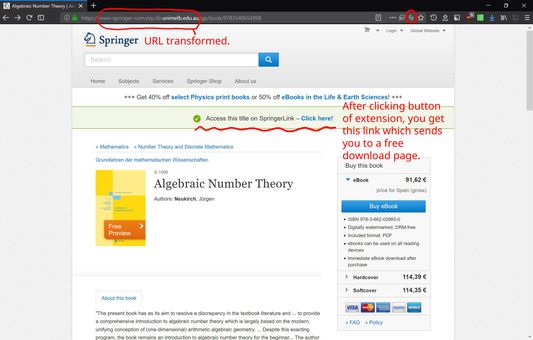
To access academic papers on some sites, sometimes one is required to go through one's institute's ezproxy. Click the icon in the address bar to quickly switch between ezproxied URL and non-ezproxied URL.