Firefox 瀏覽器附加元件
擴充套件
佈景主題
更多…
用於 Firefox
字典與語言套件
其他瀏覽器網站
Android 版的附加元件
登入
搜尋
搜尋
AO3 Editor
作者:
ireneae
Allows hiding authors and tags so they will not appear in AO3 search.
實驗中
實驗中
5(1 筆評分)
5(1 筆評分)
4 位使用者
4 位使用者
下載 Firefox 並安裝擴充套件
下載檔案
擴充套件後設資料
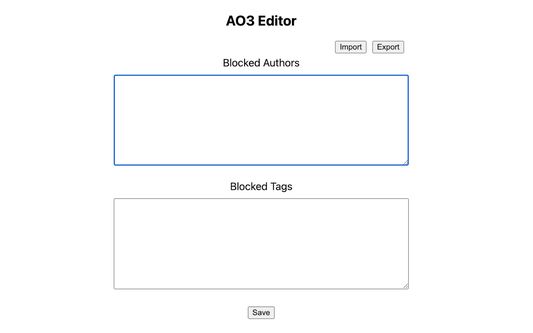
畫面擷圖
關於此擴充套件
Allows hiding authors and tags so they will not appear in AO3 search.
Usage
Blocking tags
In the AO3 search page, right-click on an author/tag/work and click "Block author"/"Block tag"/"Block work".
Refresh the page; it should no longer be visible.
Unblocking tags
Go to extension options (about:addons -> "Preferences")
Delete any lines you no longer want to block.
Click "Save".
由 1 位評論者給出 5 分
登入後即可幫此擴充套件評分
目前沒有評分
已儲存星等
5
1
4
0
3
0
2
0
1
0
權限與資料
必要權限:
存取您在 archiveofourown.org 的資料
更多資訊
附加元件網址
技術支援網站
版本
1.1
大小
21.47 KB
最近更新
3 年前 (2022年10月21日)
相關分類
外觀
授權條款
MIT License
版本紀錄
瀏覽所有版本
新增至收藏集
選擇收藏集…
建立新收藏集
檢舉此附加元件