Lyncis Resizer Autor: hidetoya
It resizes the browser window to the specified position and size, or open it to the specified position and size.
36 korisnika36 korisnika
Metapodaci proširenja
Snimke ekrana
Informacije o ovom proširenju
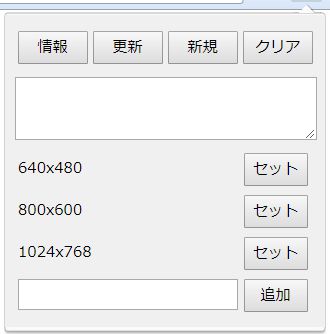
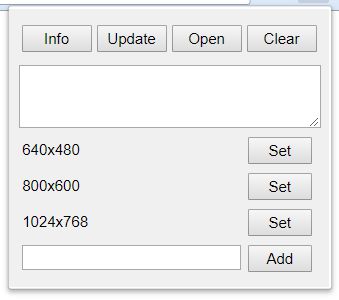
[Info]: Get the position and size in the current window, and put it into the text area.
[Update]: Apply to this window the position and size in the text area.
[Open]: Open new window in the position and size in the text area.
[Clear]: Clear the text area.
[Set]: Set the registered position and size in the text area.
[Add]: Add the position and size in the text area as the named presets. If you click with pressing the ALT key, you can remove the presets.
[Update]: Apply to this window the position and size in the text area.
[Open]: Open new window in the position and size in the text area.
[Clear]: Clear the text area.
[Set]: Set the registered position and size in the text area.
[Add]: Add the position and size in the text area as the named presets. If you click with pressing the ALT key, you can remove the presets.
Ocjena 3,5 od strane 2 korisnika
Daljnje informacije
- Poveznice dodatka
- Verzija
- 2.2.1resigned1
- Veličina
- 23,15 KB
- Zadnje aktualiziranje
- prije 2 godine (25. tra. 2024)
- Povezane kategorije
- Licenca
- MIT licenca
- Povijest verzija
- Dodaj u zbirku