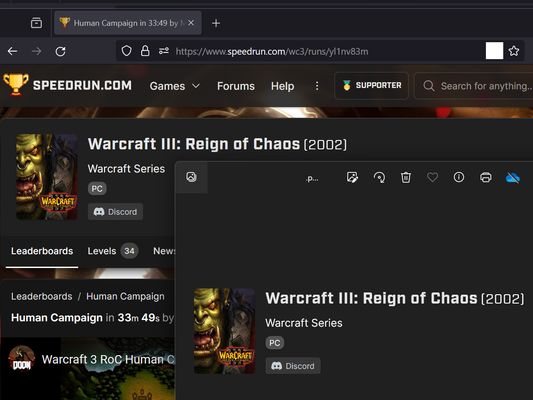
screenshot any element di vacantthinker
webpage screenshot support: screenshot full page pick one element to screenshot
Metadâts de estension
Schermadis
Informazions su la estension
- how to use? screenshot full page
- right context menu: "screenshot full page"
- how to use? pick one element to screenshot
- click browser action: "pick one element to screenshot"
- move your mouse on element (that you want to screenshot)
- click it. (it will auto capture, then downloading as png file.)
- click browser action: "pick one element to screenshot"
- as you know: some website cannot capture !
- eg: mozilla
- eg: mozilla
- "Firefox_min_version": "102.0"
Valutât 5 di 1 recensôr
Permès e dâts
Permès obligatoris:
- Mostrâti notifichis
- Acedi aes schedis dal navigadĂ´r
- Acedi ai tiei dâts di ducj i sÎts web
Altris informazions
- Version
- 2024.1.23.2
- Dimension
- 12,86 kB
- Ultin inzornament
- pred 2 rokmi (22. jan 2024)
- Categoriis coreladis
- Licence
- Mozilla Public License 2.0
- Cronologjie versions
- Etichetis
- Zonte ae racuelte