
Dictionary, Translation & Text-to-Speech di _korpus_
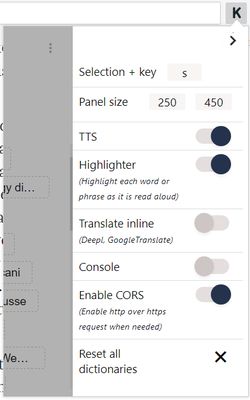
Quickly search a definition, translate inline or read out loud. This tool is a curated selection of major dictionaries and TTS services.
12 utents12 utents
Metadâts de estension
Schermadis
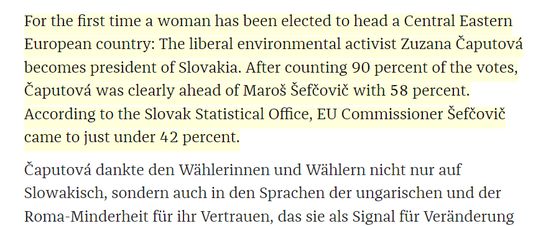
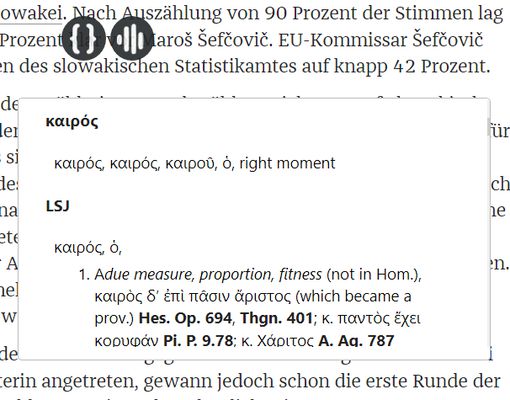
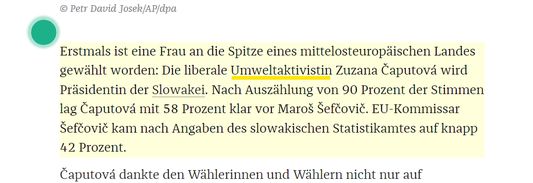
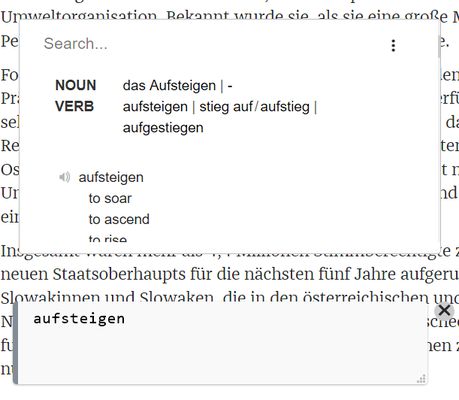
Informazions su la estension
Please don't use reviews for support request. Use GitLab instead.
https://gitlab.com/_korpus_/korpus
Main Features
- Dictionaries: Linguee, Wordreference, CNRTL(TLFi, CRISCO), Duden, ARTFL(DVLF, FranText, Greek-Latin), EtymOnline, Beolingus, Chambers Dictionary, Collins, DictionaryCom, Larousse, Littré, Treccani, DictCC, LEODict, PONS, Priberam, Real Academia Española etc...
( Arrange the list via drag and drop)
- Translators: DeepL Translator, Google Translate
(Include inline or entire page translation)
- Text-to-Speech: responsiveVoice, ISpeech, WebSpeechApi
(Include a current text highlighter while it is read aloud)
Nota: WebSpeechApi uses the voice of your local OS, it does not need a network connection. Make sure you have the right voice installed on your system (mobile devices already have a bunch of voices installed)
Usage
- Inline: Hold key "s" then select a word/phrase (key "s" + click is a default combination, you can change it).
- Console: Follow this pattern " !cmd phrase " (or just " phrase or word "). Here, "!cmd" is a bang shortcut and "cmd" is either def | tts | any dictionary (at least 3/4 first characters).
Limitation
For some dictionaries, Ublock or any other script blocker can break a search, make sure you allow your script blocker to retrieve a result from your current dictionary, translator or TTS service.
https://gitlab.com/_korpus_/korpus
Main Features
- Dictionaries: Linguee, Wordreference, CNRTL(TLFi, CRISCO), Duden, ARTFL(DVLF, FranText, Greek-Latin), EtymOnline, Beolingus, Chambers Dictionary, Collins, DictionaryCom, Larousse, Littré, Treccani, DictCC, LEODict, PONS, Priberam, Real Academia Española etc...
( Arrange the list via drag and drop)
- Translators: DeepL Translator, Google Translate
(Include inline or entire page translation)
- Text-to-Speech: responsiveVoice, ISpeech, WebSpeechApi
(Include a current text highlighter while it is read aloud)
Nota: WebSpeechApi uses the voice of your local OS, it does not need a network connection. Make sure you have the right voice installed on your system (mobile devices already have a bunch of voices installed)
Usage
- Inline: Hold key "s" then select a word/phrase (key "s" + click is a default combination, you can change it).
- Console: Follow this pattern " !cmd phrase " (or just " phrase or word "). Here, "!cmd" is a bang shortcut and "cmd" is either def | tts | any dictionary (at least 3/4 first characters).
Limitation
For some dictionaries, Ublock or any other script blocker can break a search, make sure you allow your script blocker to retrieve a result from your current dictionary, translator or TTS service.
Valutât 1 di 1 recensôr
Permès e dâts
Permès obligatoris:
- Mostrâti notifichis
- Acedi aes schedis dal navigadôr
- Acedi ai tiei dâts di ducj i sîts web
Altris informazions
- Colegaments component adizionâl
- Version
- 2019.11.19
- Dimension
- 195,29 kB
- Ultin inzornament
- kuusi vuotta sitten (19. marras 2019)
- Categoriis coreladis
- Licence
- Mozilla Public License 2.0
- Cronologjie versions
- Zonte ae racuelte