Hide Funimation UI од Palle
Hide/unhide Funimation video UI with 'z' and use up/down arrow keys or PgUp/PgDown keys to seek 1 second back/forward
315 корисника315 корисника
Метаподаци додатка
Снимци екрана
О овом додатку
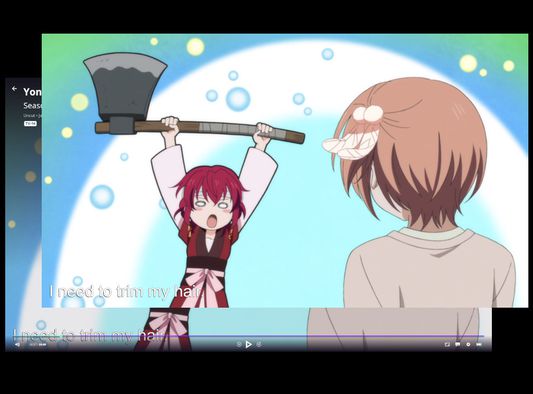
The Funimation video UI does not hide itself when paused.
With this browser extension active, when watching a Funimation video, you can:
- Press 'z' to hide the video UI
- Use the up and down arrow keys or PgUp and PgDown to seek back and forward in 1 second increments. This has changed in version 2 to avoid conflicts with native controls in the new Funimation player.
With this browser extension active, when watching a Funimation video, you can:
- Press 'z' to hide the video UI
- Use the up and down arrow keys or PgUp and PgDown to seek back and forward in 1 second increments. This has changed in version 2 to avoid conflicts with native controls in the new Funimation player.
Оцењено са 5 од стране 10 рецензената
Овлашћења и подаци
Више информација
- Издање
- 2.0
- Величина
- 16,44 KB
- Последњи пут ажурирано
- pre 5 godina (7. okt. 2021.)
- Повезане категорије
- Дозвола
- MIT дозвола
- Историјат издања
- Додај у збирку