
FindIt-All 제작자: Findit-All
Enjoy a quick and distraction-free search experience
사용자 1명사용자 1명
확장 메타 데이터
스크린샷

정보
Looking to enjoy a rich and fast search experience? Try FindIt-All!
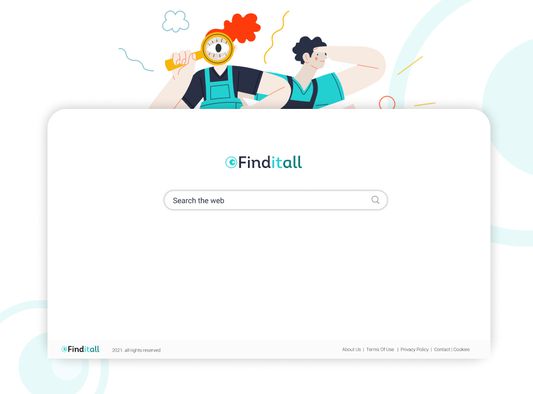
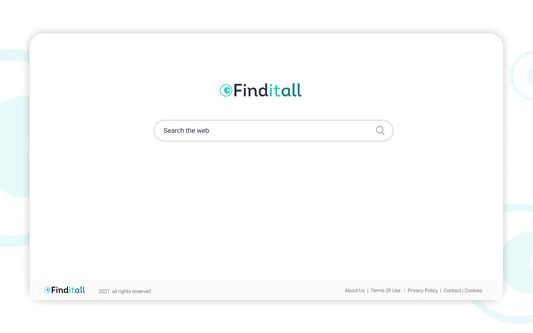
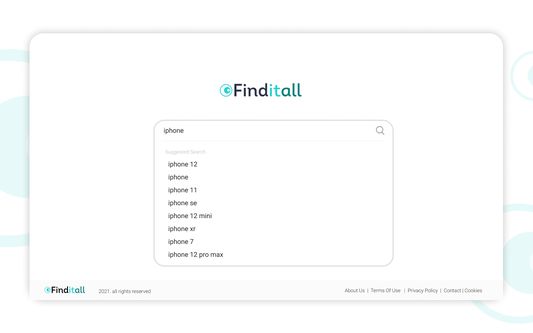
FindItAll - is a distraction-free search extension, offering a search focused experience on the new tab without all the background noise:
Quick access to search
Rich search experience powered by Bing
The Findit-All extension sets your default search provider to Bing.
For easy access, we recommend pinning the extension to your browser toolbar.
The extension requests the following permissions:
Set your new tab page search to FindItAll
Can read and change your data on sites:
https://*.finditall.com/*
By clicking “Add to Firefox”, you accept and agree to install the FindItAll Add-On, set the Firefox™ New Tab and default search to FindItAll, and to the Terms of Use, and Privacy Policy.
Terms of Use: https://www.findit-all.com/terms-of-use
Privacy Policy: https://www.findit-all.com/privacy-policy
You may uninstall the extension at any time.
To remove our extension from Firefox:
1) Click on the three vertical dots icon in the upper right-hand corner of your Firefox browser.
2) Go to "Settings.”
3) In the left menu that appears, click on "Extensions.”
4) From the list of installed Extensions, locate the extension you would like to uninstall.
5) To remove the extension, click on the "Remove" button, which is to the right of "Details" button (for the extension you wish to uninstall).
6) Close your browser completely and reopen it. The extension should now be removed from your browser.
For assistance from our customer service team, please email us at support@findit-all.com
FindItAll - is a distraction-free search extension, offering a search focused experience on the new tab without all the background noise:
Quick access to search
Rich search experience powered by Bing
The Findit-All extension sets your default search provider to Bing.
For easy access, we recommend pinning the extension to your browser toolbar.
The extension requests the following permissions:
Set your new tab page search to FindItAll
Can read and change your data on sites:
https://*.finditall.com/*
By clicking “Add to Firefox”, you accept and agree to install the FindItAll Add-On, set the Firefox™ New Tab and default search to FindItAll, and to the Terms of Use, and Privacy Policy.
Terms of Use: https://www.findit-all.com/terms-of-use
Privacy Policy: https://www.findit-all.com/privacy-policy
You may uninstall the extension at any time.
To remove our extension from Firefox:
1) Click on the three vertical dots icon in the upper right-hand corner of your Firefox browser.
2) Go to "Settings.”
3) In the left menu that appears, click on "Extensions.”
4) From the list of installed Extensions, locate the extension you would like to uninstall.
5) To remove the extension, click on the "Remove" button, which is to the right of "Details" button (for the extension you wish to uninstall).
6) Close your browser completely and reopen it. The extension should now be removed from your browser.
For assistance from our customer service team, please email us at support@findit-all.com
리뷰어 0명이 0점으로 평가함
권한 및 데이터
추가 정보
- 부가 기능 링크
- 버전
- 0.0.1
- 크기
- 41.58 KB
- 최근 업데이트
- 6년 전 (2021년 3월 9일)
- 관련 카테고리
- 라이선스
- All Rights Reserved
- 개인정보처리방침
- 이 부가 기능에 대한 개인정보처리방침 읽기
- 버전 목록
- 모음집에 추가