Tabswiper per He4eT
Clear the list of your tabs from outdated and unnecessary ones
2 Usatores2 Usatores
Metadatos del extension
Capturas de schermo
A proposito de iste extension
A Firefox extension that makes trimming your tabs as effortless as swiping on a dating app.
How to Use It:
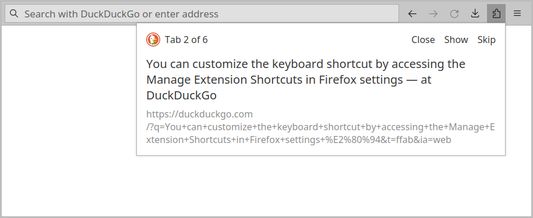
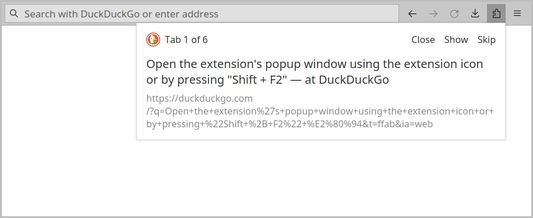
1. Open the extension's popup window using the extension icon or by pressing Shift + F2. You can customize the keyboard shortcut by accessing the Manage Extension Shortcuts in Firefox settings.
2. Navigate through your list of open tabs using buttons or your keyboard:
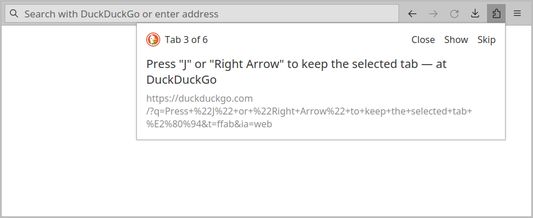
- Press J or Right Arrow to keep the selected tab.
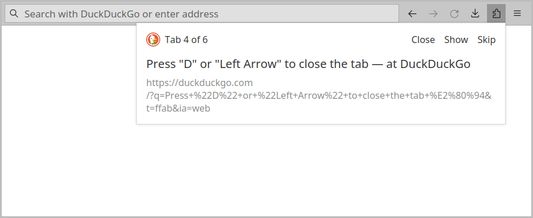
- Press D or Left Arrow to close the tab.
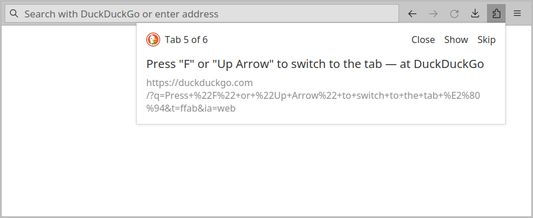
- Press F or Up Arrow to switch to the tab.
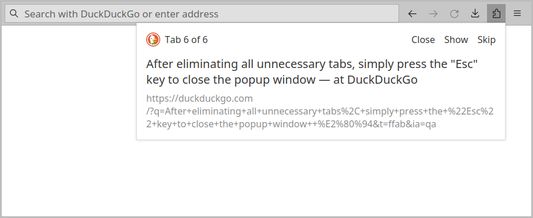
3. After eliminating all unnecessary tabs, simply press the Esc key to close the popup window.
How to Use It:
1. Open the extension's popup window using the extension icon or by pressing Shift + F2. You can customize the keyboard shortcut by accessing the Manage Extension Shortcuts in Firefox settings.
2. Navigate through your list of open tabs using buttons or your keyboard:
- Press J or Right Arrow to keep the selected tab.
- Press D or Left Arrow to close the tab.
- Press F or Up Arrow to switch to the tab.
3. After eliminating all unnecessary tabs, simply press the Esc key to close the popup window.
Valutate 5 per 2 revisores
Permissiones e datos
Plus de informationes
- Ligamines del additivo
- Version
- 1.0.1
- Dimension
- 14,8 KB
- Ultime actualisation
- 2 წლის წინ (19 იან 2024)
- Categorias associate
- Licentia
- Licentia MIT
- Historia de versiones
- Adder al collection