Hide Funimation UI Palle توسط
Hide/unhide Funimation video UI with 'z' and use up/down arrow keys or PgUp/PgDown keys to seek 1 second back/forward
۳۱۲ کاربر۳۱۲ کاربر
فرادادهٔ افزونه
تصاویر صفحه
دربارهٔ این افزونه
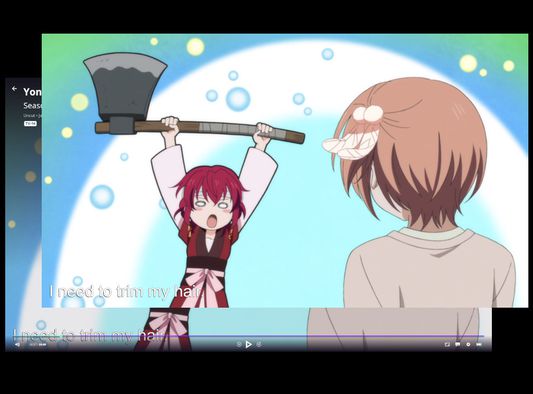
The Funimation video UI does not hide itself when paused.
With this browser extension active, when watching a Funimation video, you can:
- Press 'z' to hide the video UI
- Use the up and down arrow keys or PgUp and PgDown to seek back and forward in 1 second increments. This has changed in version 2 to avoid conflicts with native controls in the new Funimation player.
With this browser extension active, when watching a Funimation video, you can:
- Press 'z' to hide the video UI
- Use the up and down arrow keys or PgUp and PgDown to seek back and forward in 1 second increments. This has changed in version 2 to avoid conflicts with native controls in the new Funimation player.
امتیاز ۵ توسط ۱۱ بررسیکننده
دسترسیها و دادهها
اطلاعات بیشتر
- پیوندهای افزونه
- نسخه
- 2.0
- اندازه
- ۱۶٫۴۴ کیلوبایت
- آخرین بهروزرسانی
- ۵ سال پیش (۷ اکتبر ۲۰۲۱)
- دستهبندیهای مرتبط
- مجوز
- مجوز MIT
- تاریخچهٔ نسخهها
- افزودن به مجموعه